How do I review and add a rating on a coupon?
When you click on any casino at WinMeNot.com you will find a short review of the particular casino on the right hand side of the page. (See Picture Below)

You will find here a brief description about the casino, games offered at the casino, Banking Methods available at the casino and their customer support.
For rating a coupon you will find little pattern of stars below the coupon details. Simple click on star to do the rating for the coupon code you wish. (See picture below with 4 rates and stars selected)
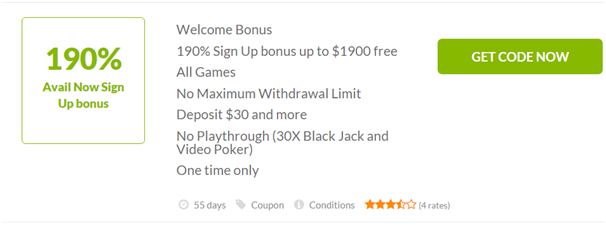
Once you click on star it will fill the color with orange and upgrade the rating for that coupon.